Studio music games for kids: more focused minutes, more willingness to practice
 By Eric Liu· Published · Updated
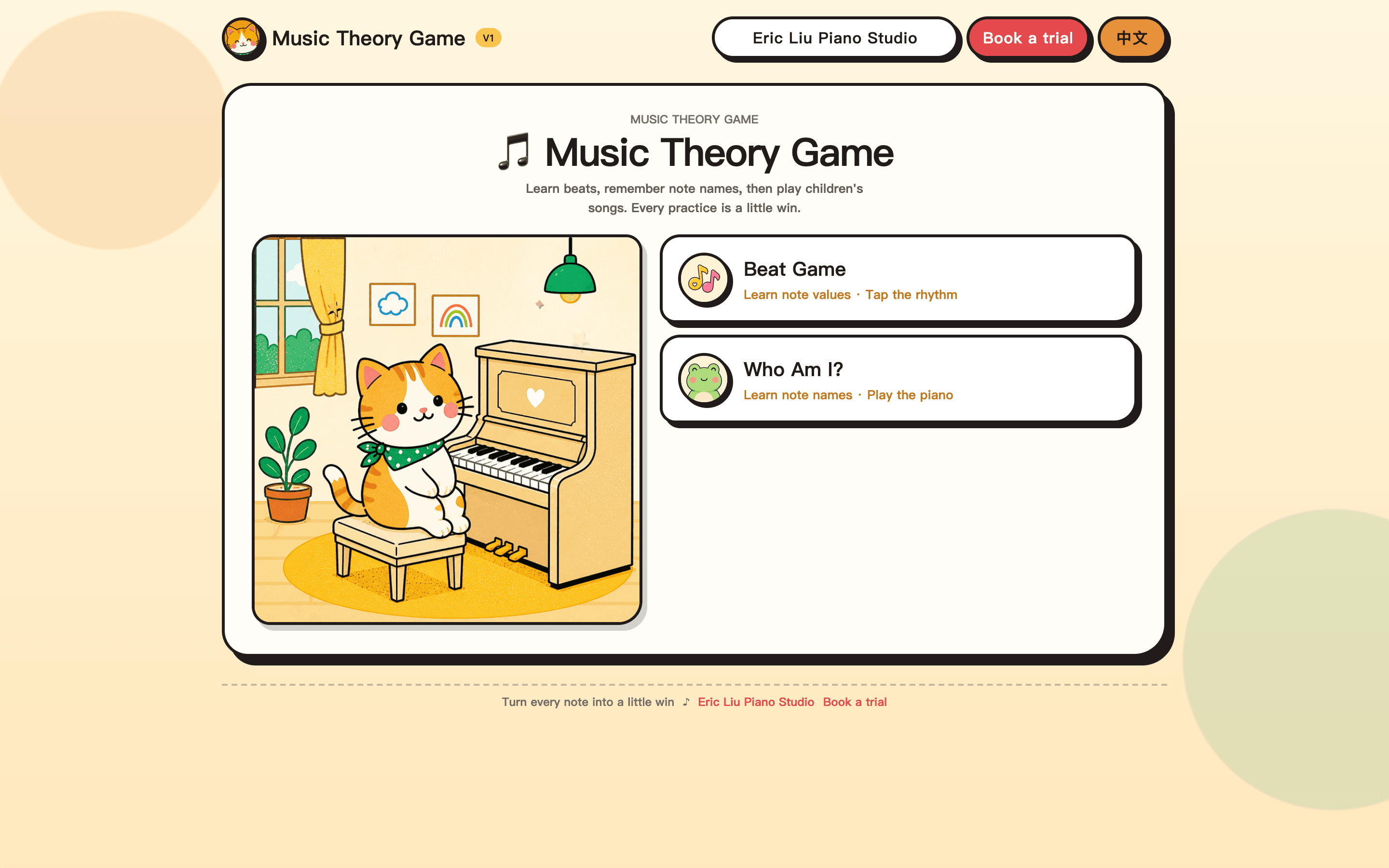
Parents often ask what actually changes a child's attention in the lesson room. One practical answer at this Cupertino studio has been short, named music games built for kids — beats, note names, and a practice timer — sitting beside the weekly piece, not instead of it. Screenshots below are the real titles families can open today, plus Mianbao, who greets students in the room.
Games sit beside the lesson, they do not replace it
Every student here still gets a private one-on-one lesson with a written weekly assignment. A game is a five-to-ten-minute task with a name: tap a rhythm, name a key, then close the tab. That is closer to a technique drill than to open-ended screen time. If a child only wants to tap the game, the game is too long or the assignment was not small enough.
What follow-ups have shown so far
This is a studio observation from parent follow-ups, not a controlled study. After we started using short games in the lesson week, children's focused lesson time increased by about 15 minutes on average. Parents also reported that the child was more willing to sit down at the piano at home. I treat those numbers as a signal to keep iterating — not as a guarantee for every family.
- About 15 extra minutes of focused time in the lesson, on average
- Stronger willingness to start home practice, reported in follow-ups
- Games stay short so attention does not collapse into browsing
What kids can play today
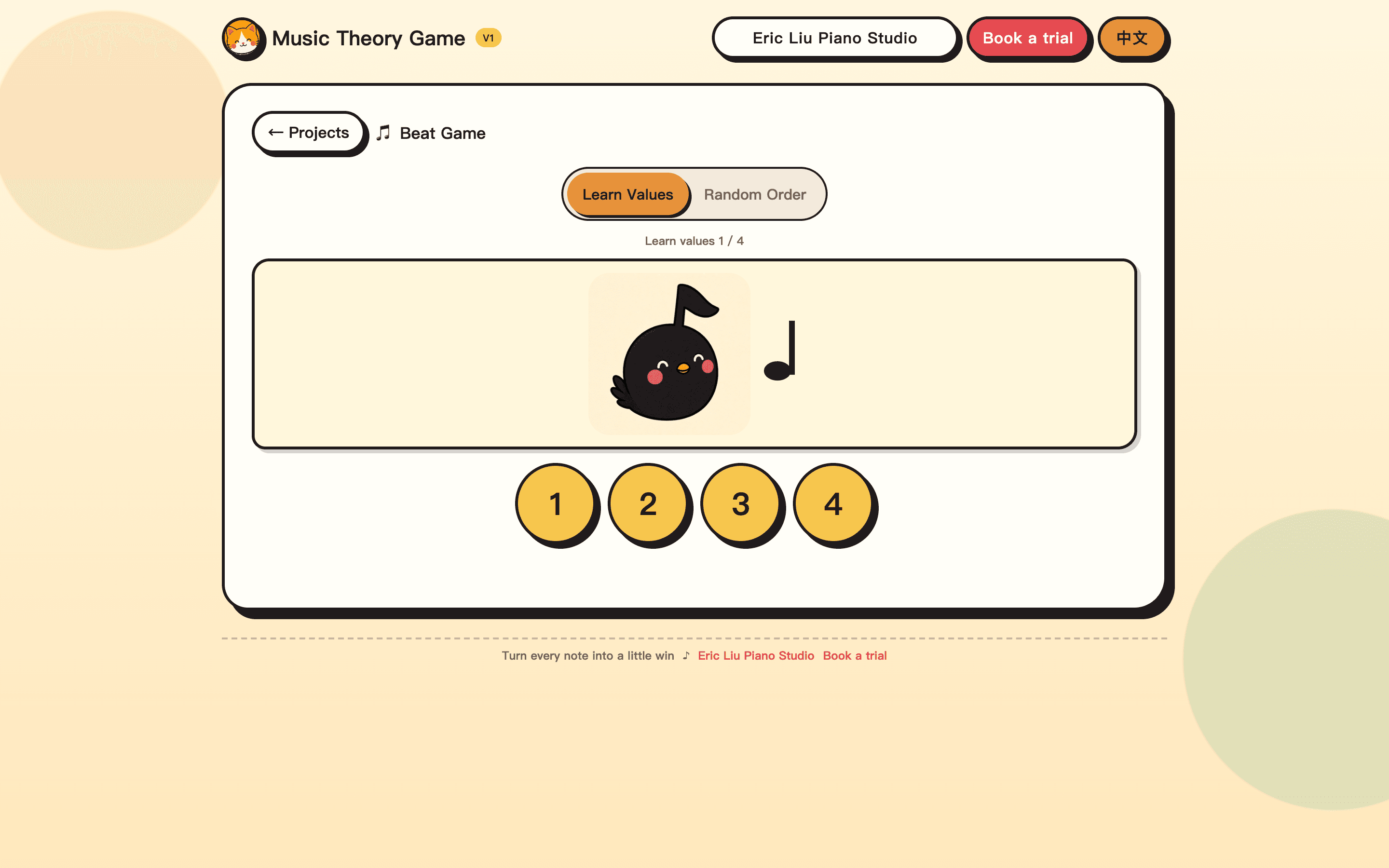
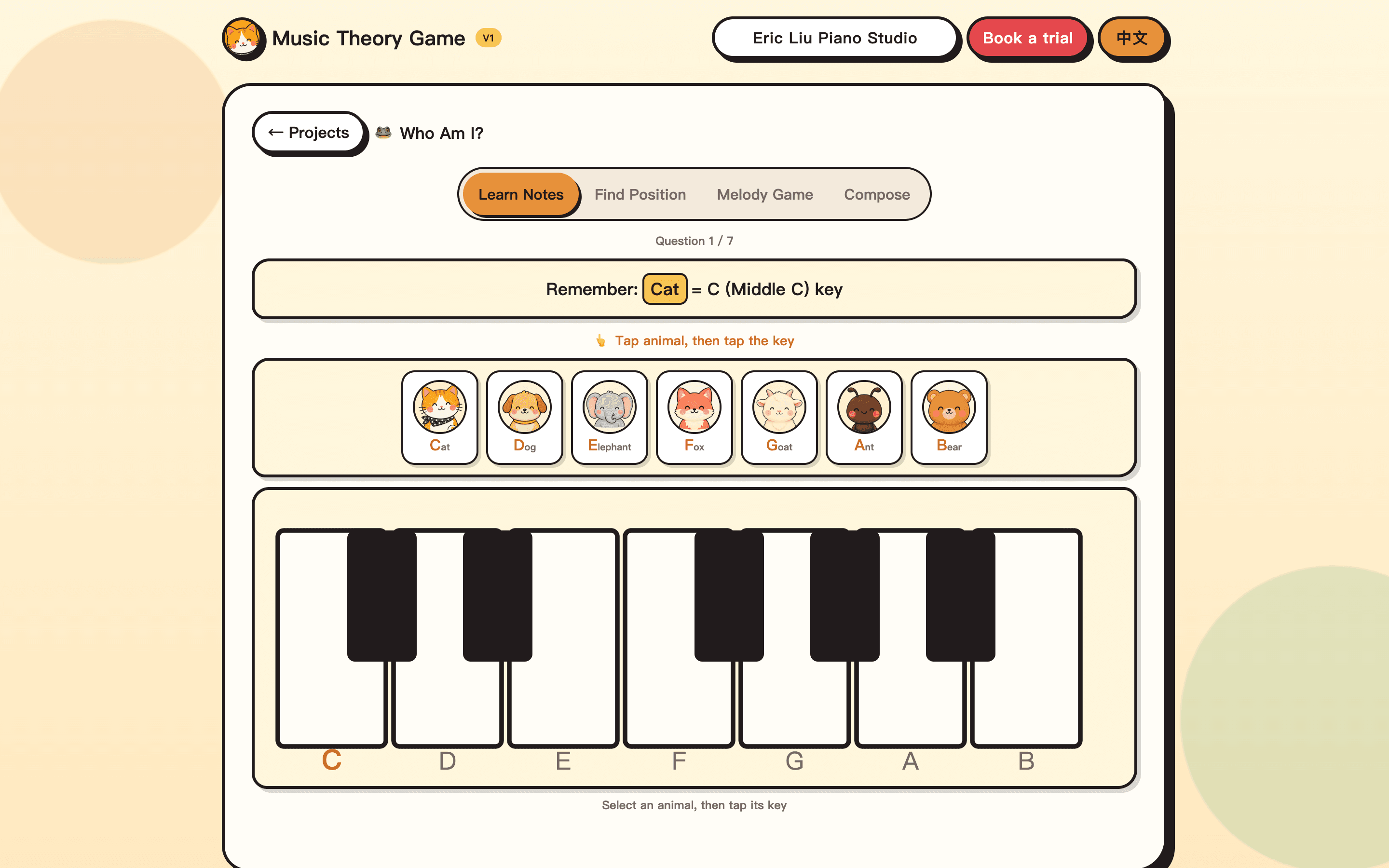
The public warehouse now has three titles, all aimed at children. Beat Game teaches note values — how long a note lasts — then asks the child to tap 1, 2, 3, or 4 with the pulse. Who Am I? teaches piano note names with animals (Cat = middle C), then moves into finding keys, melody games, and simple songs such as Twinkle Twinkle. Mianbao Practice Timer is a practice clock plus a backyard of cats: minutes become dried fish, and fish attract visiting cats. None of these is an advanced theory quiz. More titles will be added to the same warehouse page, each with a name and a screenshot.
- Beat Game: note values and tapping the rhythm
- Who Am I?: note names, then children's songs
- Mianbao Practice Timer: sit down, stay with the piece, grow the backyard
How a round should look at home
Use the game as a warm-up before the assigned piece. One short round, sound on, then close the tab. The useful residue is a sentence the child can bring to the next lesson: “the half note still feels like a quarter” or “I keep mixing F and G.” That sentence is the assignment, not a high score.
- Five to ten minutes, then back to the piece
- Say out loud the value or the note name before the next tap
- Write one fuzzy spot and ask about it next week
Mianbao is in the room and on the screen
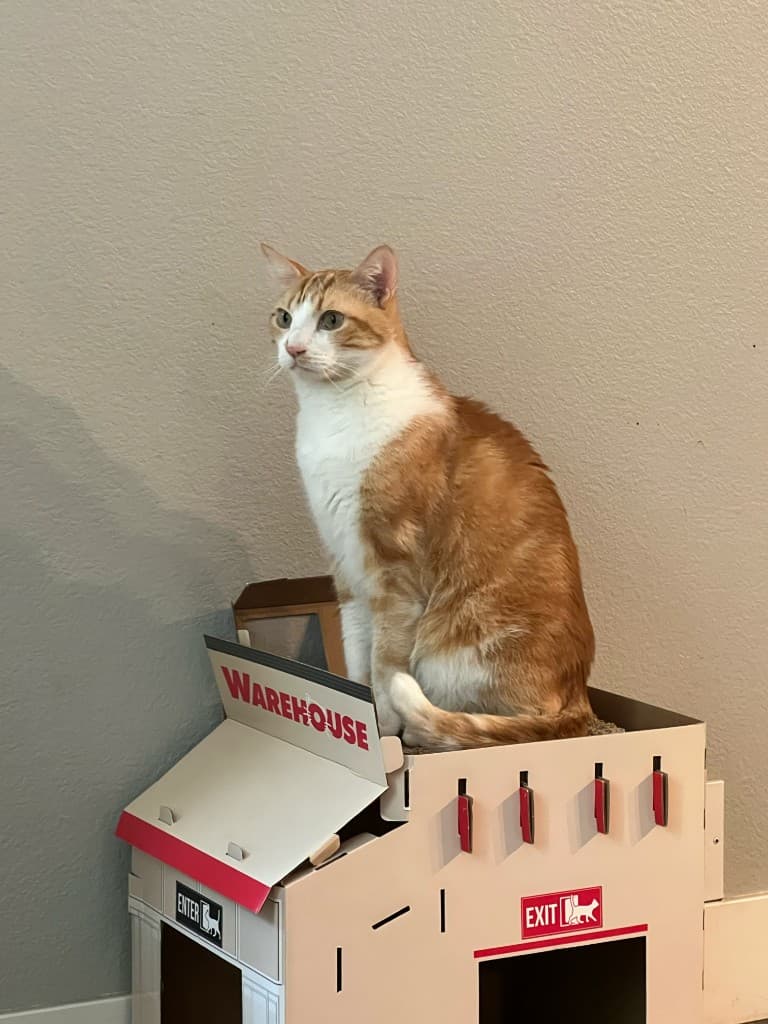
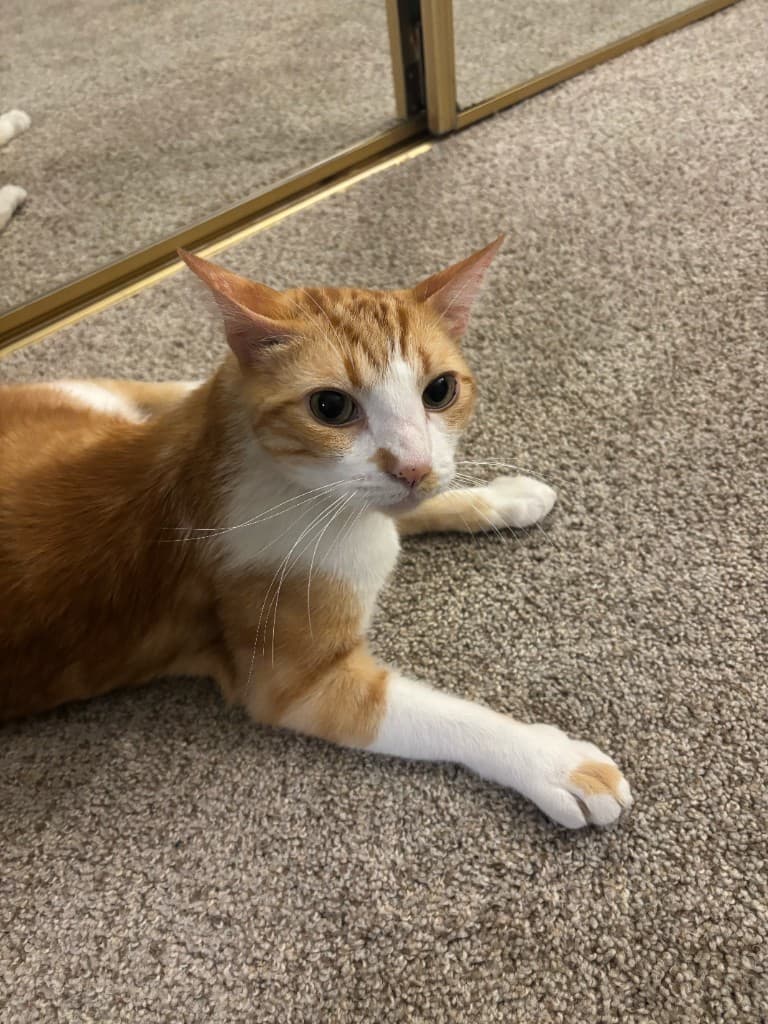
The orange-and-white cat on the game home screen is the same Mianbao who sits on the cardboard warehouse between lessons. He likes students. The games are built in that same mood: short, friendly, and in service of the lesson — not a separate toy pile.
Step by step
How to use a studio music game in a practice week
A four-step routine so a short kids' game supports the weekly piano assignment instead of replacing it.
Warm up with one short round
Open Beat Game or Who Am I?, turn sound on, and play one round before touching the assigned piece.
Say the value or the note name
Out loud: “this is two beats” or “Cat is C.” Unsure is allowed — say it anyway.
Write down one question
Note the value or the key that still collides. One question is enough.
Bring it to the next lesson
Ask that question in the next private lesson so the game feeds the 1:1 work instead of floating beside it.
Open the studio game warehouse
Each live title has a name, a screenshot, and a play button. Sound on.
Continue reading
Try a free lesson
Book a free trial lesson with the studio — no credit card required.
No credit card. Same-day reply on most inquiries.