Piano games for kids: beats, note names, and a practice timer
 By Eric Liu· Updated
This page is the studio's game warehouse. Each card is a named title with a screenshot. New games will be added here as they ship — you do not need a new email each time. They sit beside private 1:1 lessons, not instead of them.
Studio observations
Facts at a glance
- Follow-up observation: about 15 extra minutes of focused lesson time, on average
- Parent follow-ups also reported a stronger willingness to practice at home
- This page is a warehouse: every live title has a name and a screenshot
- Live now: Beat Game, Who Am I?, and Mianbao Practice Timer — built for kids, not advanced theory quizzes
- Used as a short, named task next to the weekly assignment — not a substitute for 1:1 lessons
- Free trial lesson still the way to see how this fits your child
Games you can play now
Three titles are live. The next game will show up on this same shelf — name, screenshot, and a play button.
 Studio game warehouse
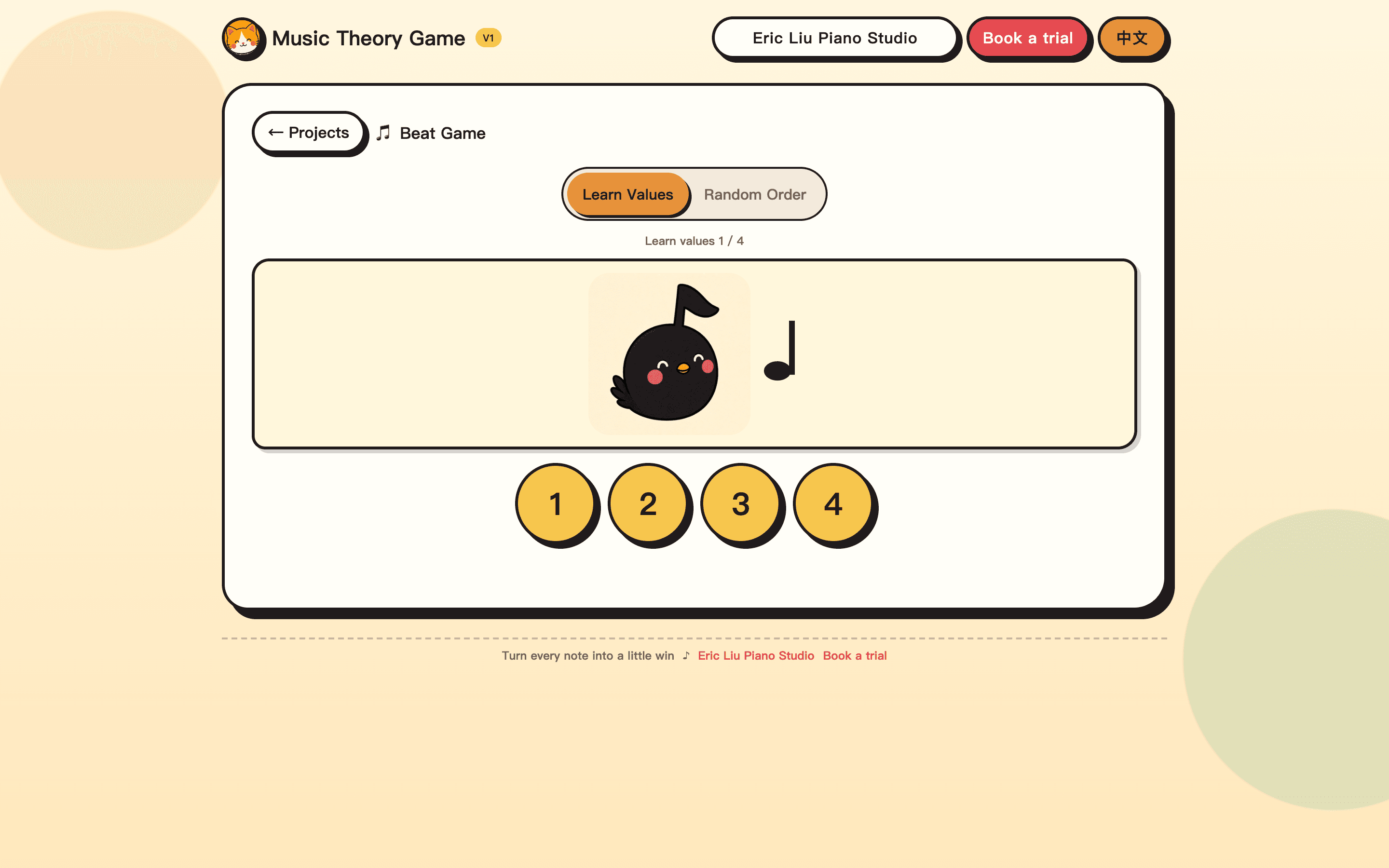
Beat Game
Learn note values and tap the rhythm — how long a note lasts, then clap it back.
Built for children in piano lessons. Short rounds; no music-theory jargon required.
Play this gameOpens in a new tab. Works on a phone or a computer; sound on helps.
 Studio game warehouse
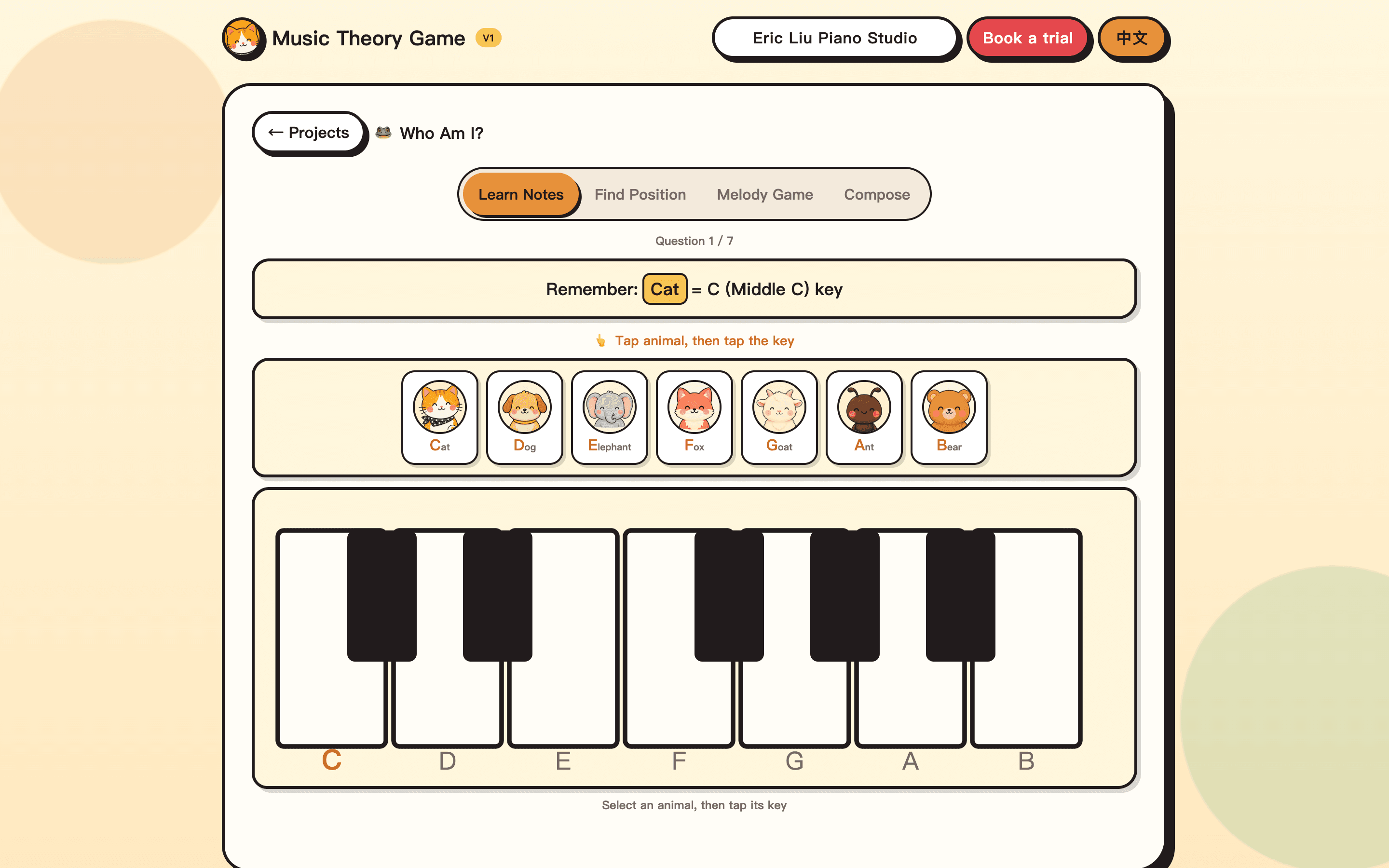
Who Am I?
Learn piano note names with animals (Cat = C) then tap the matching key. Later: find position, melody games, and compose.
The same kids title: remember names, then play simple songs like Twinkle Twinkle.
Play this gameOpens in a new tab. Works on a phone or a computer; sound on helps.
 Studio game warehouse
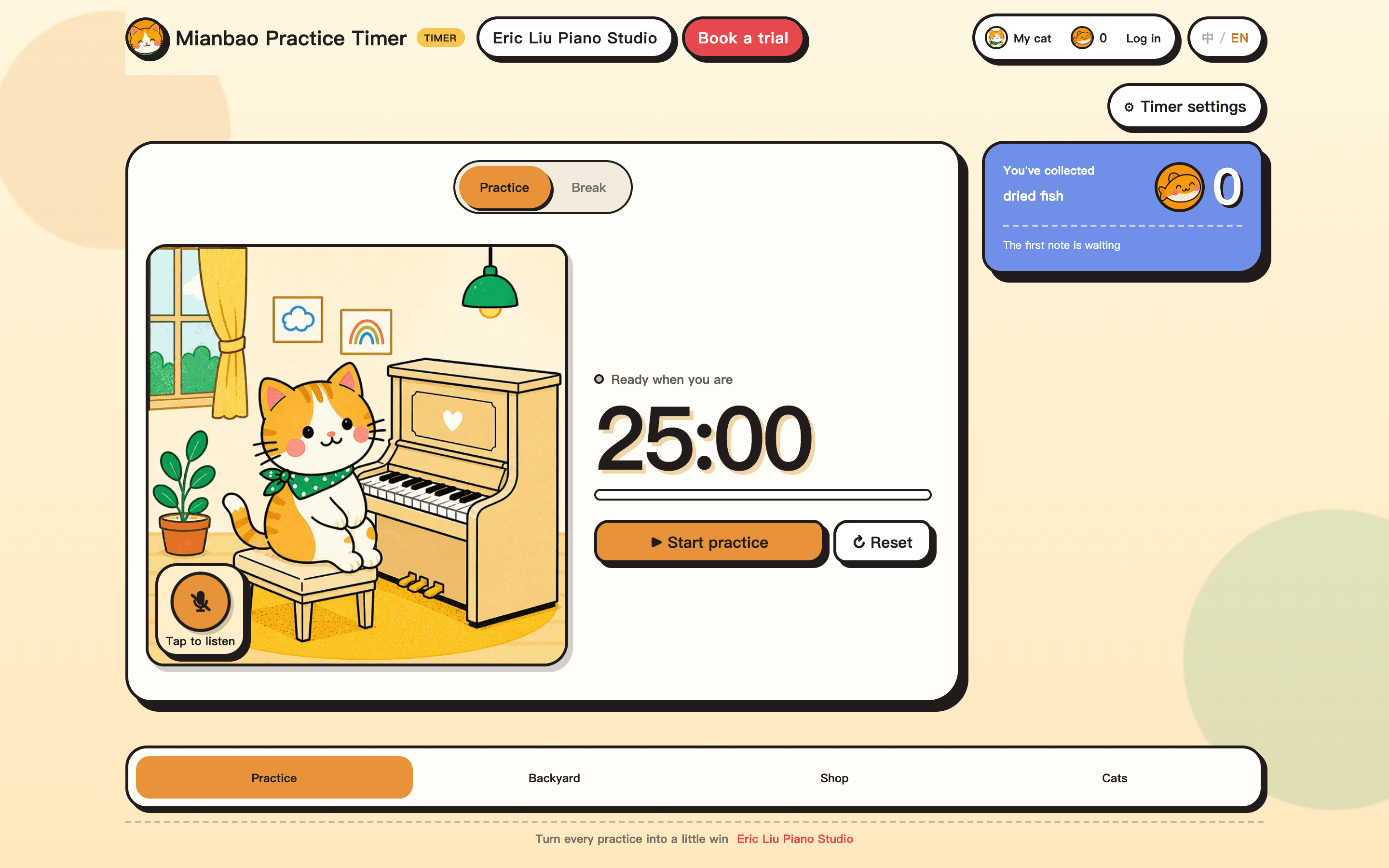
Mianbao Practice Timer
A practice Pomodoro plus a backyard of cats. Sit down, start the timer, earn dried fish, then add toys and plants so other cats come to visit.
Every child who comes to a lesson can adopt one electronic cat as a practice partner. Adults who want one are welcome too.
Play this gameOpens in a new tab. Works on a phone or a computer; sound on helps.
How games show up in a lesson week
A game is a named five-to-ten-minute task, not open-ended screen time. Beat Game for values and pulse; Who Am I? for note names; the practice timer to sit down and stay with the piece. Then close the tab — or keep the timer running — and play the assigned piece.
- Use it as a warm-up before the assigned piece, not instead of the piece
- Keep a round short enough that attention stays high
- If a note value or a key name is still fuzzy, bring that one question to the next lesson
Book a free trial lesson
All in-person trials are at the Cupertino studio. Book a time on Google Calendar (opens in a new tab), or request a time below — I'll confirm by email.
No credit card. Same-day reply on most inquiries.